
Table of Contents
- Why Visualizing Decor Before You Buy Matters
- Measure Your Room and Create a Floor Plan
- Using a Room Visualiser App to Test Placement
- How to Visualise Furniture in a Room Before Purchasing
- Build an Interior Design Mood Board for Cohesion
- Use a Room Layout Planner for Accurate Spacing
- Common Mistakes to Avoid When Visualizing Your Space
- Frequently Asked Questions
Last Updated: October 10, 2026
Why Visualizing Decor Before You Buy Matters
Buying home décor without the ability to visualize decor room arrangements is risky. You fall in love with a colour online, order it, and it clashes with your walls. Or a cushion arrives smaller than expected. The frustration is real, and it costs money.
This is where visualizing decor in your room becomes essential. A room visualiser app lets you see exactly how a piece will look in your actual space, with your lighting, your walls, and your existing furniture. No guessing. No returns.
The process is straightforward. Measure your room. Take a photo. Add furniture and decor digitally. See the result in 2D or 3D. Adjust until it feels right. Then buy with confidence.
Measure Your Room and Create a Floor Plan
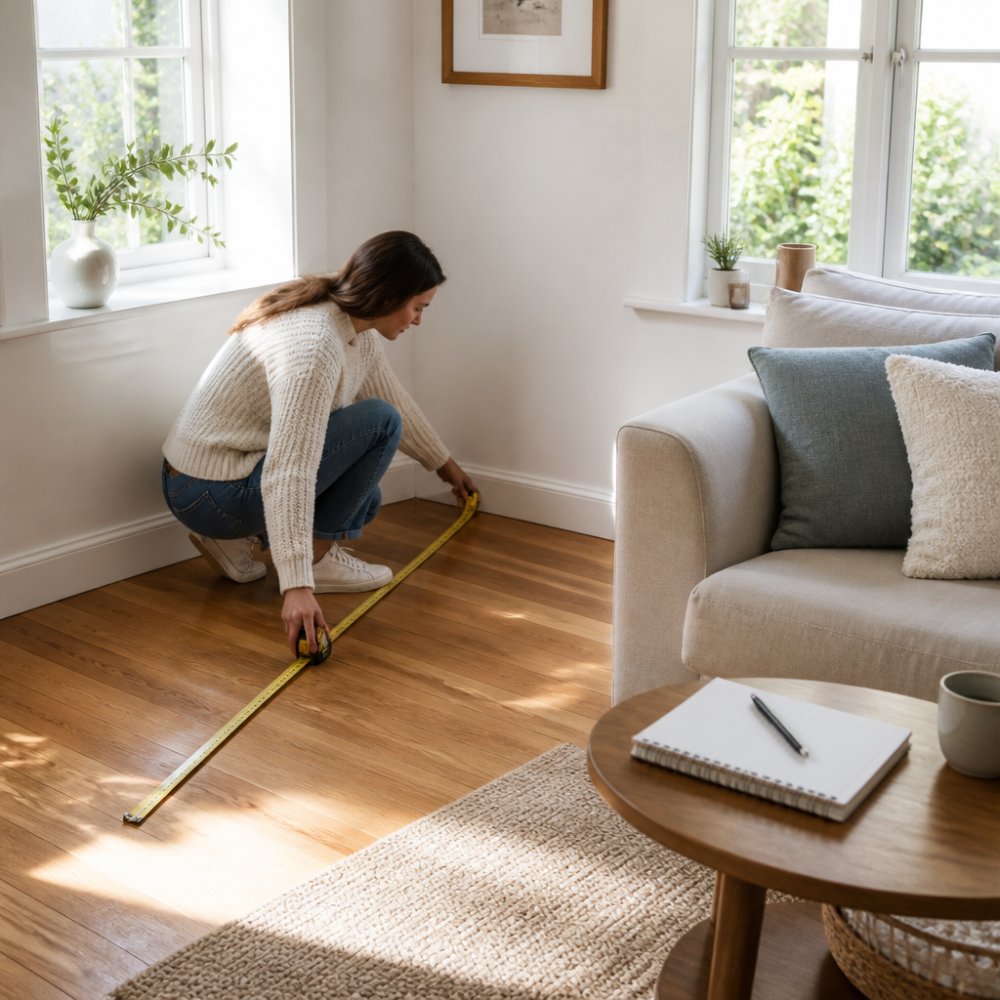
Start with accurate measurements. Pull out a tape measure and note the length, width, and height of your room. Measure doorways, windows, and any architectural features. Write everything down.
Next, create a floor plan. You can sketch this on paper or use a free online tool. Draw your room to scale. Mark where doors swing open and where windows sit. Add any fixed features like fireplaces or built-in shelving.
Why scale matters: a cushion that looks fine on a small floor plan might overwhelm a tiny corner in reality. Scale keeps your visualisation honest. Most room layout planners handle this automatically, but if you're sketching by hand, use a consistent ratio, like 1 centimetre equals 30 centimetres of actual space.
Using a Room Visualiser App to Test Placement
Room visualisation tools fall into three main categories, each with different strengths and trade-offs.
Photo-based overlays let you upload a photo of your actual room and drag furniture images onto it. Apps like Houzz, Room Planner, and Floorplanner work this way. The advantage is immediacy, you see your real walls, lighting, and existing pieces without building a floor plan first. The limitation is perspective: the furniture overlay is only accurate if your camera angle and the furniture's proportions match perfectly. Lens distortion from smartphone cameras can also skew how pieces appear relative to your walls. These tools work on mobile and desktop, though most require a free account.
2D floor-plan tools like Planner 5D and Floorplanner focus on dimensions and layout rather than visual realism. You input your room's measurements, add furniture with its actual dimensions, and see a top-down view. This method is precise for spacing and traffic flow, you can verify that a sofa will fit through a doorway or that you'll have enough clearance around a bed. The trade-off is that 2D plans don't show how colours, textures, and lighting interact. They're excellent for functional planning but less useful for visualising the aesthetic feel of a finished room.
Augmented reality (AR) apps like IKEA Place and Wayfair's AR tool use your phone's camera to overlay furniture directly into your live room view. You can walk around the virtual piece, see it from different angles, and judge scale in real time. AR is the most intuitive for furniture shopping because it shows exactly how a piece will sit in your space. However, AR requires a newer smartphone with a capable camera and motion sensors, and it works best in well-lit rooms. The app must process your camera feed in real time, which can be processor-intensive.
Choosing the right method:
- Use photo-based overlays if you want to visualise decor quickly without measuring, or if you're testing multiple pieces in one session.
- Use 2D floor plans if spacing, doorway clearance, and traffic flow are your main concerns, or if you're furnishing a new space from scratch.
- Use AR if you're considering a single large piece (sofa, bed, dining table) and want to see it at true scale in your actual room.
- Combine methods: sketch a 2D floor plan to confirm dimensions, then use a photo overlay or AR to visualise colours and textures.
Most practitioners find that a hybrid approach, starting with 2D measurements, then testing aesthetics with photo or AR, catches both functional and visual problems before purchase.
How to Visualise Furniture in a Room Before Purchasing
Visualising furniture in a room before purchasing is the most practical step in the planning process. Take a clear photo of your space from one corner, showing walls, windows, and existing pieces. Upload it to your chosen app.
Then select furniture from the app's library or upload images of pieces you're considering. Drag them into your photo. Adjust their size to match your room's proportions. The app overlays the furniture onto your actual space, showing exactly how it will fit.
This method catches problems early. A chair that looked perfect online might block your doorway. A table might be too wide for your wall. A bed frame might leave no space to walk around. Seeing these conflicts before you buy saves time and money.
Build an Interior Design Mood Board for Cohesion
A mood board clarifies your aesthetic direction, but it should go beyond colour and style to include the decor layers that make a room feel finished: wall art, lighting, textiles, and accessories.
Gather visual references. Collect images of rooms, individual pieces, and details you love. Pin them to a digital board (Pinterest, Moodboard, or a simple Google Doc) or print them out. Look for patterns in colour, texture, and mood. Do you gravitate toward warm or cool tones? Minimalist or maximalist? Modern, traditional, eclectic, or bohemian?
Expand beyond furniture. Most people focus on sofas and tables, but decor is layered. Your mood board should include:
- Wall art and displays: paintings, prints, gallery walls, floating shelves, mirrors, or woven wall hangings. These anchor a room's personality and fill vertical space.
- Lighting: pendant lights, floor lamps, table lamps, string lights, or candles. Lighting affects mood and how colours appear. Warm light (2700K) feels cosy; cool light (4000K+) feels crisp and modern.
- Textiles: curtains, rugs, cushions, throws, and blankets. These introduce texture, pattern, and softness. A room with only hard surfaces feels cold; layered textiles make it feel inhabited.
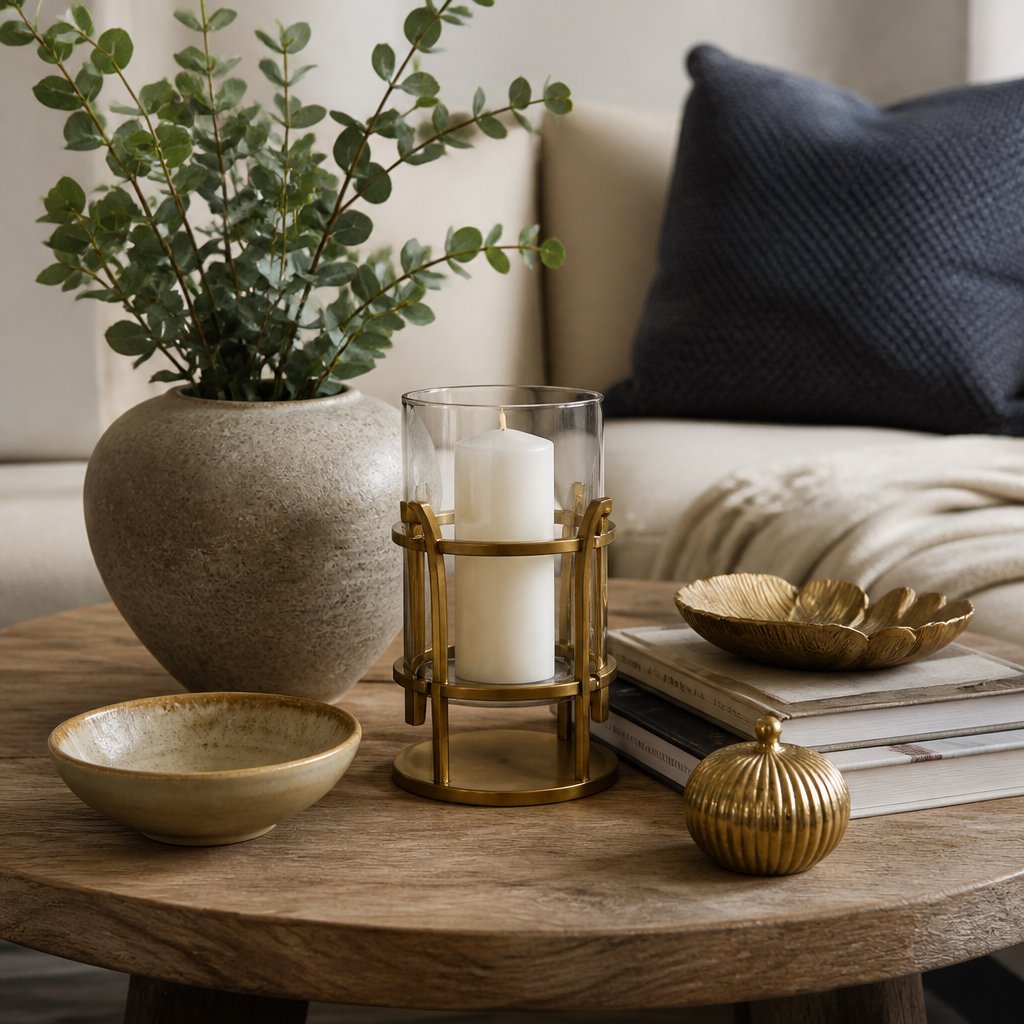
- Accessories: vases, books, plants, candles, bowls, and decorative objects. These personalise a space and break up visual monotony.
Test layering in your visualisation. Once you've chosen key pieces, use your room visualiser app to test how they work together. Add a rug to anchor furniture. Place a mirror opposite a window to reflect light. Position a pendant light above a side table. Drape a throw over the sofa. Add a few cushions in complementary colours. This reveals whether your pieces harmonise or clash.
A common mistake is visualising furniture alone without using a tool to visualize decor room layers and adding decor later. By then, the room feels empty or unbalanced. Instead, visualise in layers: start with the largest pieces (sofa, bed, dining table), then add textiles (rug, curtains, throws), then wall art and lighting, then small accessories. Each layer should feel intentional, not random.
Use your mood board to validate purchases. Before buying a cushion, lamp, or piece of wall art, ask: does it appear in my mood board? Does it match the colours, textures, and mood I've collected? If not, it might be beautiful on its own but wrong for your space. This filter prevents impulse buys that feel out of place.
Use a Room Layout Planner for Accurate Spacing
A room layout planner is different from a visualiser app. It focuses on dimensions and flow, not aesthetics. These tools help you arrange furniture efficiently so your space functions well.
Input your room's measurements. Add furniture with its actual dimensions. The planner shows whether your sofa will fit through the doorway. It reveals how much walking space you'll have. It prevents the frustration of buying something that doesn't physically work.
Many planners include traffic flow analysis. You can see if people can move naturally through the room or if furniture blocks pathways. Good spacing makes a room feel larger and more comfortable, even if it's small.
Common Mistakes to Avoid When Visualizing Your Space
The biggest mistake is ignoring scale. A piece looks perfect in a photo, but your room is smaller than you thought. Always measure twice and compare your furniture dimensions to your space dimensions before visualising.
Another common error is visualising in poor lighting. Colours shift dramatically under different light. If possible, take your reference photo during the same time of day you'll use the room most. Evening light is warmer. Morning light is cooler. This affects how colours appear.
Don't forget about existing pieces. Your new décor must work with what you already own. Include your current furniture in your visualisation so you see the full picture. A beautiful cushion might clash with your existing sofa colour.
Finally, avoid over-decorating in your visualisation. Just because a space can fit ten cushions doesn't mean it should. Restraint creates breathing room and makes a space feel calm and intentional.
Visualising décor in your room transforms how you shop. It removes guesswork and builds confidence. Start with accurate measurements, use a room visualiser app to test placement, and build a mood board to guide your choices. Casa Sereno's thoughtfully curated collections, from the Cotton Rug at $89 to our Scatter Cushion Lori at $50, are designed to layer beautifully into spaces you've already planned. Measure your space today, visualise your ideal room, and discover how the right pieces create a sanctuary that's truly yours.

Frequently Asked Questions
How can I visualize decor in my room before buying it?
Start by measuring your room dimensions and photographing the space from multiple angles. Use a room visualiser app to upload your photo and drag virtual furniture and decor pieces into the layout. Alternatively, create a mood board with colour swatches, fabric samples, and design inspiration pinned together. Test placement by arranging items in scale on a floor plan, or use augmented reality features in design apps to see how pieces look in your actual space. This approach helps you avoid costly mistakes and ensures your chosen pieces harmonise with your existing décor.
What is the best app for visualising a room makeover?
The best app depends on your needs. Many room visualiser apps offer free versions with basic features like drag-and-drop furniture placement and 2D floor plans. Some include augmented reality to overlay virtual items on your phone's camera view. Look for apps that let you upload your own room photo, offer a large furniture library, and allow you to save multiple design variations. Test a few free versions first to see which interface feels intuitive for your workflow.
How do I create a mood board for interior design planning?
An interior design mood board combines colour palettes, fabric swatches, images, and design inspiration in one place. Start by gathering inspiration: photograph rooms you love, collect fabric samples from retailers like Casa Sereno, and save colour inspiration from magazines or websites. Arrange these on a physical board or use digital tools like Pinterest or Canva. Include samples of your chosen pieces, such as cushions, throws, or rugs, alongside wall colours and textures. This visual reference keeps your design cohesive and helps you see how textures, colours, and finishes work together before purchasing.
Can I use a photo of my room to try different decor?
Yes. Many room visualiser apps and design tools let you upload a photo of your actual space. Once uploaded, you can drag virtual furniture, change wall colours, add decor, and experiment with layouts in real time. This method is highly effective because you see how items interact with your existing lighting, proportions, and architecture. Some apps also offer augmented reality, which overlays virtual items on a live camera feed of your room. This gives you an accurate sense of scale and how pieces will actually look in your space before you commit to purchasing.